Black Friday bundle ideas: complete the set after checkout
Black Friday bundles that keep margin: a 3-item set on the thank-you page with the cheapest item free reads as a gift and costs 19%, below a 25% sitewide sale.
2026-10-25 — Abakira, updated 2026-11-11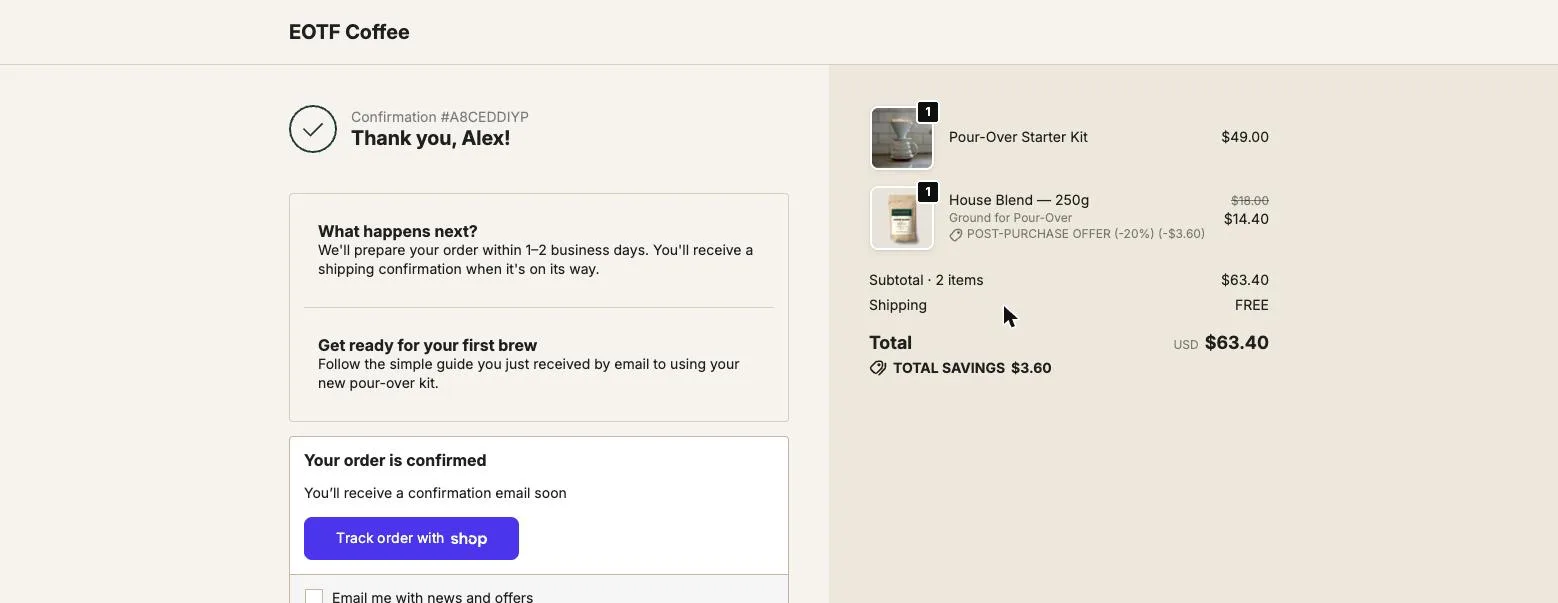
The Black Friday bundle ideas that protect margin are the ones built around what the buyer just paid for: a “complete the set” bundle of 2 to 4 items, shown on the thank-you page, with the cheapest item free. On our coffee demo store, the set a pour-over kit buyer still needs (coffee $18, a mug $16, filters $8) sells at $34 with the filters free. That is 19% off, below a 25% sitewide sale, and it reads as a gift.
This page covers the bundle types that work during BFCM, how to price them so the weekend leaves a profit, and how to build each one after checkout in Post Purchase Upsell Abakira. Black Friday 2026 is November 27 and Cyber Monday is November 30. All prices are in US dollars.
What makes a good Black Friday bundle?
A good Black Friday bundle is a set of 2 to 4 products that finish one job for the buyer, priced so the saving is obvious and the margin survives. Bundles that sell are built from products people already buy together, not from leftovers.
Before payment, a bundle has to win against every other tab the buyer has open on Black Friday. After payment, the comparison is gone. The buyer owns a pour-over kit now, and the only question is whether they want the coffee, the mug and the filters that go with it.
Three rules decide whether a bundle earns money:
- Every item is something the buyer of the main product will use. A mug for a coffee kit buyer, refills for a device, a case for a phone. If you have to explain why an item is in the set, take it out.
- The saving is visible in dollars, not just a percentage. The saving is shown in dollars, with the struck-through total next to the bundle price.
- The free or discounted part is the cheapest item. It carries the most perceived value for the least cost, which the pricing section below puts in numbers.
Which Black Friday bundle ideas work best?
The Black Friday bundles that work best fall into six types: complete the set, refills, upgrade, cross-category gift, clearance pairing and the Cyber Monday last call. Each one fits a different buyer, and each one maps to a place on the order pages. The table below gives the composition and where to show it.
| Bundle idea | What goes in it | Who sees it | Where to show it |
|---|---|---|---|
| Complete the set, last one free | The 2-3 items the main product needs, cheapest at 100% off | Buyers of a starter product | Thank-you page, Bundle block |
| Refill bundle | 2-3 consumables the buyer will run out of in January | Buyers of a device or kit | Thank-you page, Bundle block |
| Upgrade bundle | The next tool up plus a consumable | Buyers who already own the basics | One-click page, bundle offer |
| Cross-category gift set | A best-seller from another category plus a small add-on | Buyers shopping for presents | Thank-you page, Bundle block |
| Clearance pairing | A best-seller plus a slow mover at a deep rate | Everyone | Order status page, Bundle block |
| Cyber Monday last call | The same set as the thank-you page, timed | Buyers who didn’t take it | Order status page, with a countdown |
The point is that the bundle depends on the order, which is why the order pages are the right place for it.
How do I set up a “complete the set, last one free” bundle?
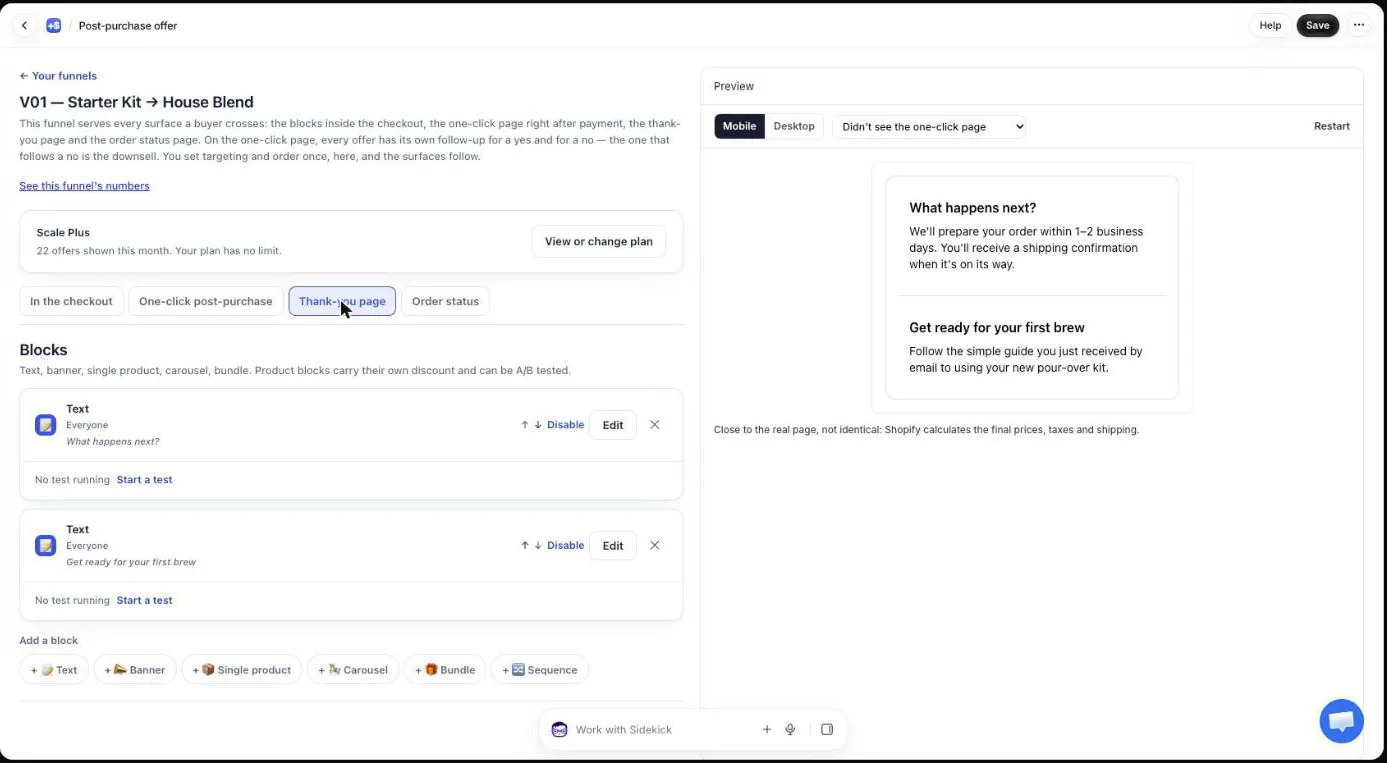
A “complete the set, last one free” bundle is a Bundle block on the thank-you page, attached to a funnel that targets buyers of the main product. You add 2 to 4 products, set the cheapest one’s discount to 100, and give the others the bundle rate.
In Post Purchase Upsell Abakira:
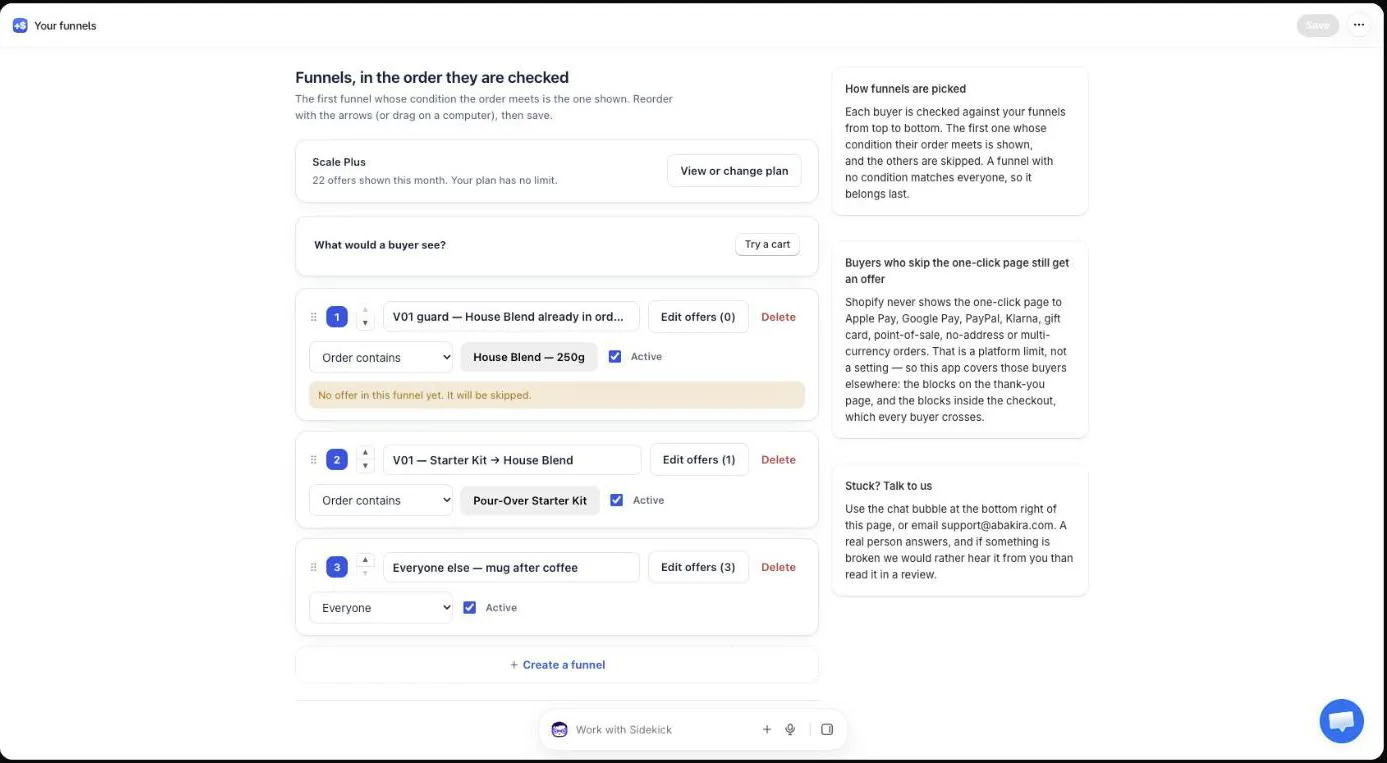
- Open the funnel for your starter product. Its condition under Who sees this offer is Order contains, set to that product. Our demo store has one called “V01 — Starter Kit → House Blend”. The Order contains condition comes with the paid plans. On the free plan, leave the funnel on Everyone and the set goes to every buyer.
- Open the Thank-you page tab, click Add a block and choose Bundle.
- Click Add a product and pick the items of the set, 2 at least and 4 at most. Below 2, the editor shows “Add at least 2 products to the bundle.” and the block isn’t served.
- On the cheapest item, set Discount (%) to 100. The field takes 0 to 100, and 100 means the item is free.
- In Bundle discount (%), enter the rate for the other items. It goes from 0 to 90. An item whose own Discount (%) is empty or 0 takes this rate.
- Write the Heading, for example “Complete your brew set, the filters are on us”.
- Click Save at the top right.
On the buyer’s page, the bundle lists each product on its own line with its own price. The free item shows $0.00. Under the lines, a centered “Total price:” line shows the full total struck through and the bundle total next to it. The button reads “Add $34.00 (3 items)” with the real amount. One tap and all three lines go into the order the buyer already placed, in the same parcel.
If you sell your starter product in several sizes or colors, create one funnel per family that needs a different set. Our guide chapter on different offers for different carts explains how the funnel order decides which bundle a buyer gets.
How should I price a Black Friday bundle to keep my margin?
Black Friday bundle pricing starts from what each item costs you, not from the retail total. Make the cheapest item free and give the rest a small rate or none: the buyer reads a gift, and you give away less than your sitewide discount. A free $8 item inside a $42 set is 19% off.
Here is the math on our demo set, the three items a pour-over kit buyer still needs: House Blend at $18, the Everyday Coffee Mug at $16 and Paper Filters at $8, $42 at full price. For the margin column, assume landed costs of $6 for the coffee, $5 for the mug and $2 for the filters, $13 in total. Put your own costs in.
| How the set is priced | Buyer pays | Discount off $42 | Your margin |
|---|---|---|---|
| Sitewide 25% off on all three | $31.50 | 25% | $18.50 |
| Mug free, the rest at full price | $26.00 | 38% | $13.00 |
| Filters free, the rest at full price | $34.00 | 19% | $21.00 |
| Filters free, 10% bundle rate on the rest | $30.60 | 27% | $17.60 |
The second row is the trap. “Get the mug free” sounds generous, and it is: you just gave away 38% of the set. The third row gives the buyer a free item they will use and costs you less than the sitewide sale. Rule of thumb: the free item should be worth no more than about a fifth of the set’s list price, and ideally it’s a consumable, so the buyer runs out and comes back for more.
The fourth row is for weekends when 19% looks thin next to everyone else’s banners. A 10% Bundle discount (%) on top of the free filters brings the set to 27% off. The margin, $17.60, stays within a dollar of the 25% sale, and the buyer gets a bigger saving plus a free item to talk about. On top of that, the extra items ship in a parcel you’re already paying for.
That last point is the hidden saving. A bundle added to the existing order joins the same shipment. A bundle sold in a separate order on the same weekend needs a second pick, a second box and a second label.
Should the bundle go on the one-click page or the thank-you page?
The thank-you page is the better home for a Black Friday bundle in most stores, because every buyer sees it whatever they paid with, and a Bundle block there holds up to 4 products with a free item. The one-click post-purchase page suits a short upgrade bundle for card buyers.
The two places compared:
| One-click post-purchase page | Thank-you page and order status page | |
|---|---|---|
| Who sees it | Card buyers only | Every buyer, wallets and cash on delivery included |
| Products in the bundle | The main product plus 1 or 2 more | 2 to 4 |
| Discount | One Bundle discount (%), 0 to 90 | A bundle rate, 0 to 90, plus a per-item Discount (%) from 0 to 100 |
| How the buyer pays | Charged to the card already used, no form | Added to the same order; a card buyer pays the difference on Shopify’s payment page |
| Countdown | Up to 30 minutes on the page | Up to 72 hours, counted from the order |
On the one-click page, the bundle offer “sells the main product together with 1-2 more, in a single purchase at the bundle rate”, as the editor puts it. Shopify allows a buyer to accept at most three offers on that page, and a bundle counts as one of them however many lines it has. So a scale-plus-coffee upgrade bundle, followed by a refill offer in the If accepted branch, is possible.
Every buyer who pays with PayPal, Apple Pay or Google Pay skips the one-click page entirely, which is covered in detail in why Apple Pay, PayPal and Google Pay orders never see the post-purchase page. A bundle on the thank-you page reaches them. To show it only to them, set the block’s Show it to to “Buyers who did not see the one-click page”.
Where does the bundle go once the buyer clicks Add?
The bundle goes into the order the buyer already placed, as one order edit with one line per product, by default. Shopify recalculates the total, the items join the same parcel, and your packing slip shows everything together. A buyer who paid by card is sent to Shopify’s payment page for the difference only.
Each block has a Where the purchase goes setting with three choices:
- “Same order, unless it has fully shipped”, the default.
- “Same order, only until the first parcel ships”, for stores that start packing within hours over BFCM.
- “Always a new checkout”, for stores whose warehouse can’t take order edits.
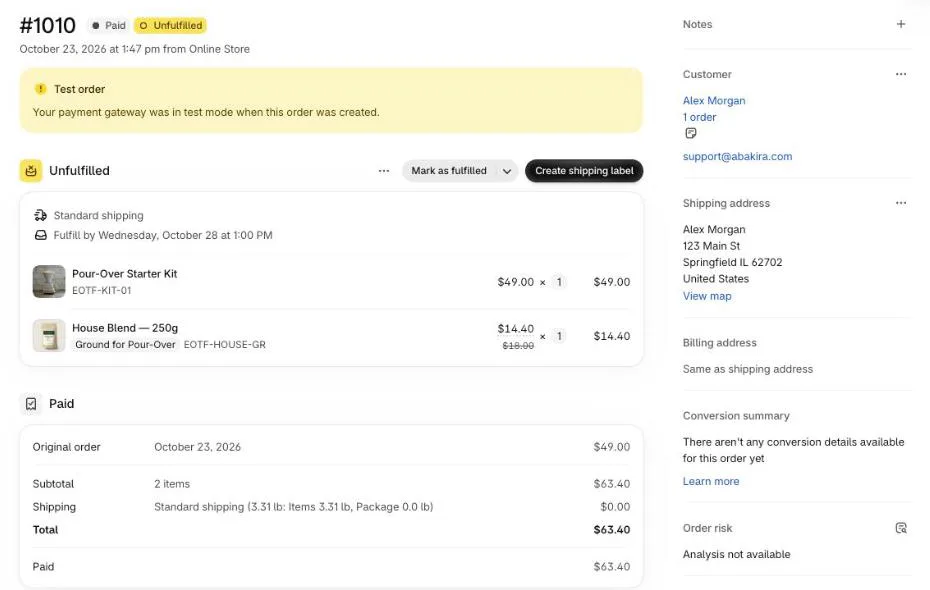
If your 3PL pulls orders the moment they’re paid, pick the second option or read our guide chapter on one parcel with your 3PL before the weekend. A bundle that lands after the box has left is a second shipment you pay for.
What happens if one bundle item sells out over Black Friday?
A Bundle block disappears as soon as one of its products reads as sold out, and it comes back on its own when the stock does. The same happens if a price can’t be read: the block isn’t shown rather than shown at a wrong total. The buyer never sees a set they can’t buy.
Two things to do before November 27:
- Check stock on the free item first: if the filters sell out, every buyer of the kit stops seeing the bundle.
- Build a second bundle with a different free item in the same funnel, so the page isn’t empty if the first one drops. A page can hold up to 6 blocks.
How do I keep a bundle running from Black Friday to Cyber Monday?
A bundle runs from Black Friday to Cyber Monday with a 72-hour countdown on its block, counted from the moment the order was placed. A buyer who orders on Friday at 9 a.m. keeps the bundle until Monday at 9 a.m., on every visit to the thank-you or order status page, on every device.
Set it in the block:
- In Countdown (empty = none), enter 72 in Hours, the maximum.
- Under When the countdown reaches zero, choose “Hide the block”, “Keep the block, at full price” or “Keep the block, show a message”.
- Optionally, write the Countdown wording, for example “You have {countdown} left to complete your set at the Black Friday price”.
To run a different bundle on Cyber Monday instead, prepare one funnel per BFCM period and switch between them.
“Keep the block, at full price” is the one to pick for a complete-the-set bundle. The set still makes sense after Monday; only the gift ends. The buyer who comes back on Tuesday to check delivery can still buy it.
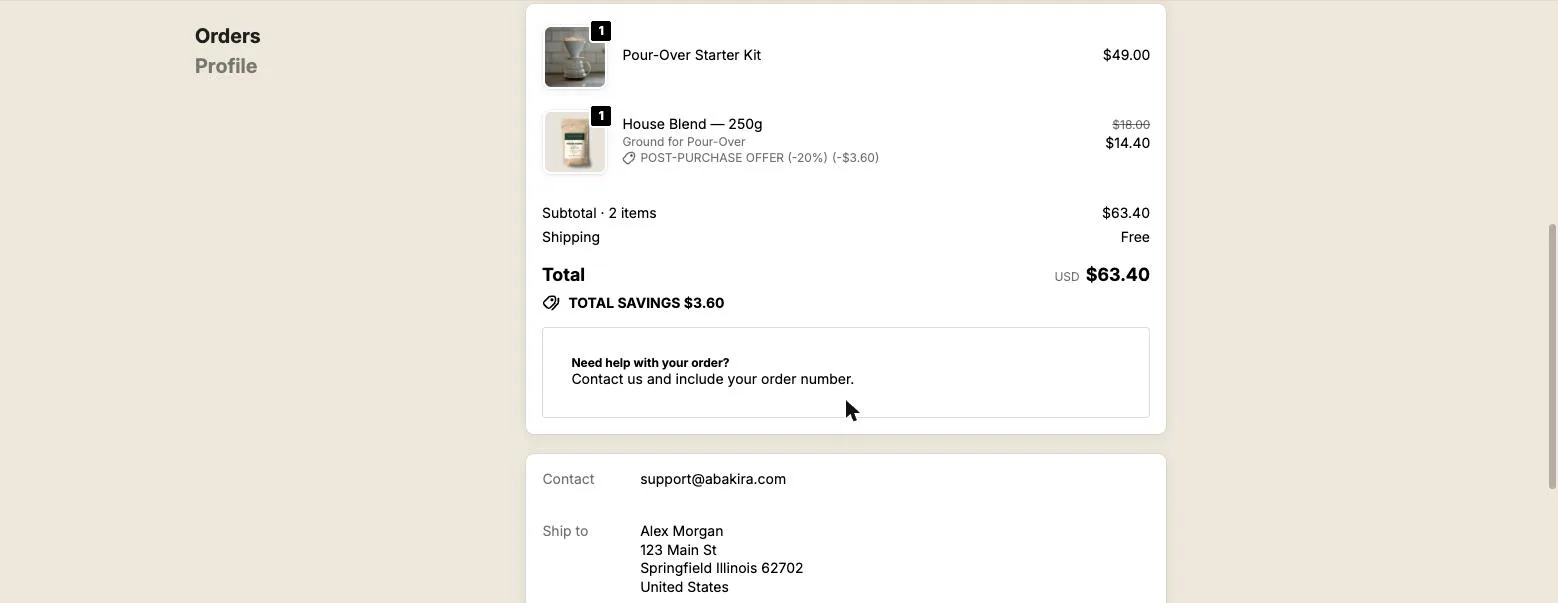
For the Cyber Monday last call, copy the bundle onto the order status page. That’s the page buyers open to track their order. Set its Show it to to “Buyers who bought nothing on the thank-you page” so the ones who already took the set don’t see it twice. Rules that depend on what happened on another page are part of the Scale plans; the guide chapter on the order status page covers the setup.
The same set, sold after payment instead of a sitewide sale, carries over to spring in tax refund season marketing ideas.
Do Black Friday discount codes stack on a bundle?
Black Friday discount codes stack on a thank-you bundle when the code is a percentage on all products: Shopify applies it again to the lines the buyer adds after checkout. A 20% sitewide code turns the $34 set into $27.20 unless you correct for it. Fixed-amount codes and codes limited to some products don’t reach the added lines.
Post Purchase Upsell Abakira has a setting for this on the Buyer page: “Buyers pay the price shown, even with a discount code”. With it on, the bundle’s own discount is lowered by what the code takes, so the buyer pays the $34 they saw. It’s part of the Scale and Scale Plus plans. Our article on Black Friday discount codes and upsell prices has the test orders, bundles included.
Without that setting, price the bundle knowing the code will apply. If your sitewide code is 20%, a bundle with a free item and no bundle rate is the safest choice: the code takes 20% of the paid items, and the free one stays free.
How do I tell whether the Black Friday bundle made money?
A Black Friday bundle made money when the bundles sold times their margin beats what the same buyers would have bought anyway. In Post Purchase Upsell Abakira, the By product section of the Results screen counts bundles sold, units and revenue. “A bundle stays one line,” as the screen says.
Read three numbers on December 1:
- Bundles sold divided by buyers who saw the block. The Saw it column gives the second number. Divide by views, not by all orders, or the buyers who never reached the page drag the rate down.
- Margin per bundle. Revenue from the bundle line minus the landed cost of all its items, the free one included.
- Which bundle won, when you ran two in the same funnel.
The guide chapter on reading your numbers explains every figure on the Results screen.
What other Black Friday upsells pair well with a bundle?
A bundle pairs well with two other BFCM offers: a quantity ladder on the one-click page for card buyers, and a thank-you bundle as the fallback for everyone else. The ladder sells more of the same item; the bundle sells what goes with it.
The order that works on our demo store: the one-click page offers more of the main product at a deeper rate, then the thank-you page shows the complete-the-set bundle. The full plan for the one-click page is in Black Friday upsell ideas, and the tier pricing in Black Friday quantity discounts after checkout. For the rest of the year, see what actually raises average order value on Shopify and the other seasonal articles.
The thank-you page chapter of our guide, the thank-you page, which catches everyone the first page missed, walks through every block type if you want to go further than bundles.
Post Purchase Upsell Abakira is on the Shopify App Store, with a free plan to build your first Black Friday bundle.
Set up a complete-the-set Black Friday bundle on the Shopify thank-you page
- Open the funnel of the product you want to complete In Post Purchase Upsell Abakira, open the funnel whose Who sees this offer condition is Order contains, set to the product the buyer just bought. The Order contains condition comes with the paid plans. On the free plan, leave the funnel on Everyone and the set goes to every buyer.
- Add a Bundle block to the thank-you page Open the Thank-you page tab of the funnel, click Add a block and pick Bundle.
- Add the products of the set Click Add a product and pick 2 to 4 products that finish what the buyer started.
- Make the cheapest item free On the cheapest product, set Discount (%) to 100. Leave the others empty to use the bundle rate.
- Set the bundle rate In Bundle discount (%), enter the rate for the other products, from 0 to 90, or leave it at 0.
- Write the heading and add a countdown Write a Heading such as Complete your brew set, the filters are on us, then set Countdown to 72 hours and choose what happens When the countdown reaches zero.
- Save and check the page Click Save at the top right, then place a test order and check that the bundle lines join the order in your Shopify admin.
Frequently asked questions
Can one item in a Shopify bundle be free?
Yes. In a Bundle block of Post Purchase Upsell Abakira on the thank-you or order status page, each product has its own Discount (%) field that goes from 0 to 100, and 100 makes that item free. The buyer sees it at $0.00 inside the bundle, and the line ships with the rest of the order.
How many products can a Black Friday bundle hold after checkout?
A Bundle block on the thank-you or order status page holds 2 to 4 products. A bundle offer on the one-click post-purchase page holds the main product plus 1 or 2 more, so 3 at most, and Shopify counts the whole bundle as one accepted offer.
What happens to the bundle if one item sells out during Black Friday?
The whole Bundle block is hidden as soon as one of its products reads as sold out, and it comes back when stock does. A bundle with a missing piece is never shown at a total the buyer can't actually get.
Will my Black Friday discount code lower the bundle price again?
A percentage code that applies to all products is applied again by Shopify to items added from the thank-you page. The setting Buyers pay the price shown, even with a discount code, on the Buyer page, lowers the offer discount by the same amount. It is part of the Scale and Scale Plus plans.
Can buyers who paid with PayPal or Apple Pay buy the bundle?
Yes. The thank-you page and the order status page are shown after every payment method, wallets and cash on delivery included. Only the one-click post-purchase page is limited to card payments.
Can I run a Black Friday bundle on the free plan?
Yes. The free plan of Post Purchase Upsell Abakira runs one funnel and shows 100 offers a month, and the Bundle block is available on it. Showing different bundles to buyers of different products needs targeting, which comes with the paid plans listed on the App Store.
Related articles
Written by Abakira. We make small software: Shopify apps, web tools and iPhone apps. This article is about Post Purchase Upsell Abakira.